
Bike-O-Meter3.0 - App Store
You'll be able to see results in few seconds.
Publisher Description
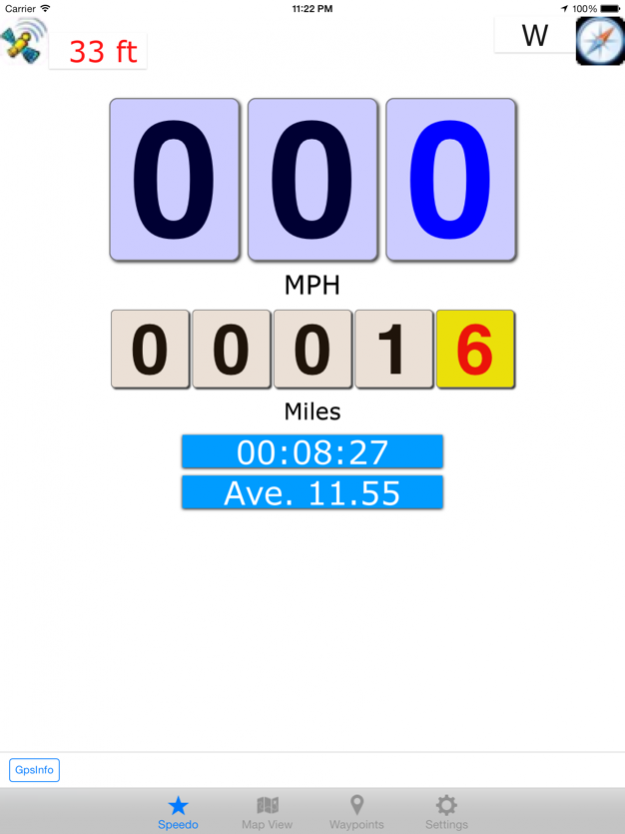
Bike-O-Meter is the ultimate precision speedometer app.
Bike-O-Meter is truly a versatile app can be used as speedometer and a pedometer. It works equally well in a vehicle, on a bicycle or walking.
Why pay hundreds of dollars for a Personal GPS device when you can have it at a fraction of the cost on your iPhone? With Bike-O-Meter, you can have the essential features of an expensive bicycle computer.
The Bike-O-Meter has large animated displays. It is intuitive, simple and easy to use. Measure you speed, distance traveled, and direction. You can mark points of interest and track your path in real-time.
The App works anywhere outdoors, including areas with no cell coverage. Only requirement is GPS coverage.
Privacy - we value your privacy and security. Bike-O-Meter does not collect any personal data.
FEATURES: Measurements, Mapping and marking Trip points.
MEASUREMENT
•Intuitive, simple and easy to use with many advanced features and functions.
•Animated, realistic large, and pleasing display graphics
•Unique noise rejection algorithms provide accurate distance and speed measurements at walking speeds.
•Accurately monitor several essential parameters with error rates of less than 2%.
•Measurement accuracy only limited by GPS uncertainty.
•No calibration required.
•Background mode - all phone functions are available while the App runs in the background.
MAPPING
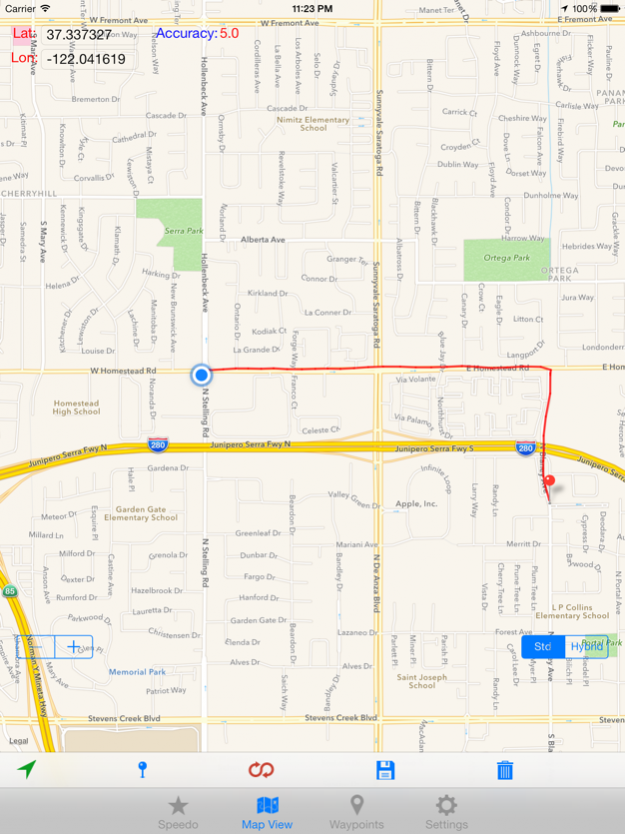
•With data coverage, view and track your current location in real-time on the Map View
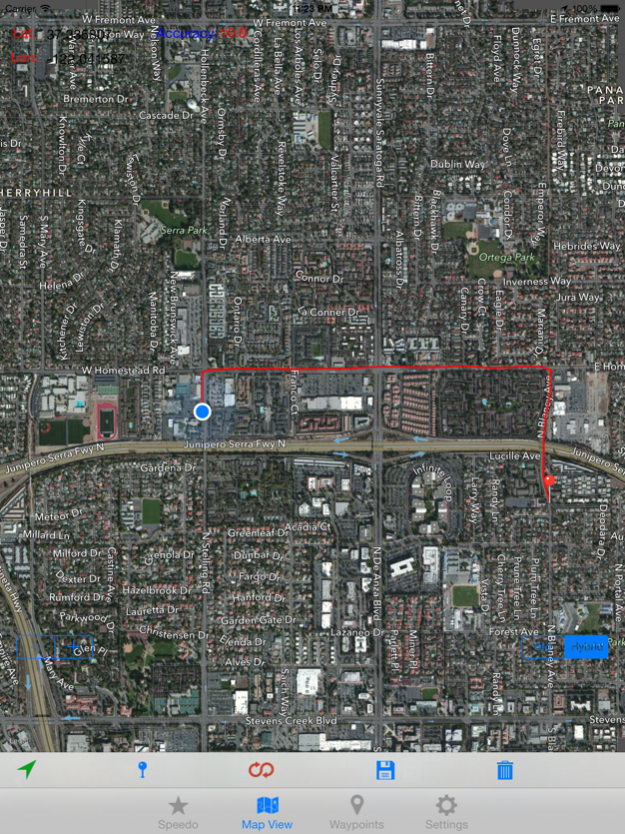
•Map has both street view and satellite view
•Mark you position with push pins and tracks with line segments
MARKING TRIP POINTS
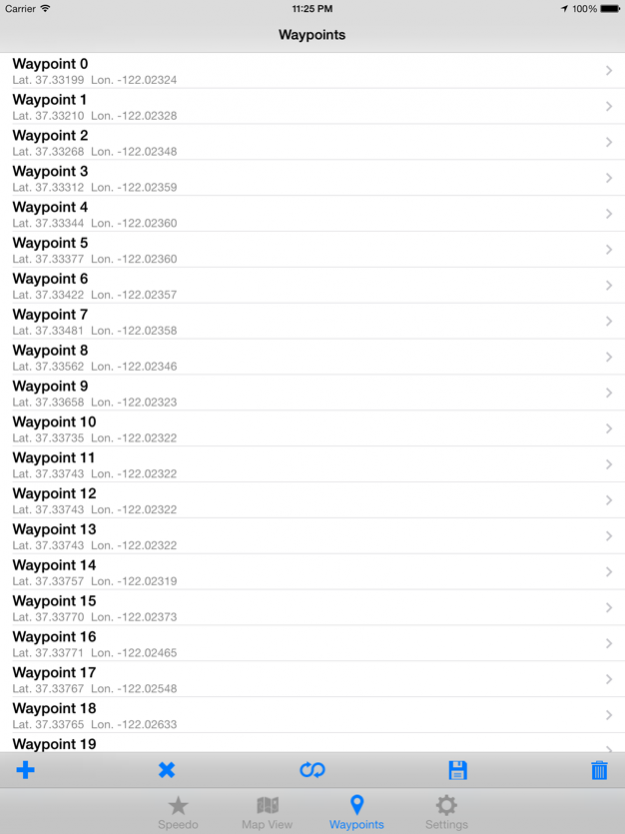
•Automatically or manually track and mark your Trip/WayPoints.
•Manual tracking is useful if you need to mark specific locations on your trip.
•Trip points are only for viewing, are volatile and cannot be exported from the device.
FUNCTIONS: Bike-O-Meter supports 10+ functions:
Measurements: Speed, distance, elapsed time, average speed, latitude, longitude, altitude, elevation gain, grade, satellite accuracy, direction/heading
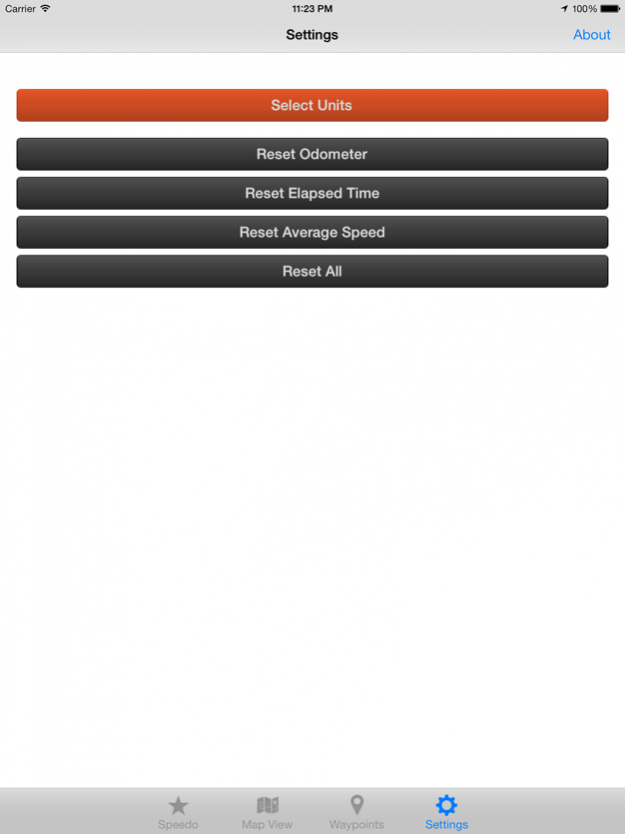
Units: Metric (KM, KMPH, Meters, meters/sec.) and English (Miles, MPH, feet, feet/sec.)
Range: Speedometer (0 to 999), Odometer (0 to 99999).
Precision: Tenth of KM and Mile. Meter and Feet
Track and Mark your Trip/WayPoints – no saving or export capability.
Persist User Settings, Odometer and Elapsed Timer.
Change measurement units on the fly
Support contact support@Cellimage.com if you have any questions.
Note:
Continued use of GPS running in the background can dramatically decrease battery life.
Data connection is required to see map.
GPS is not always accurate due to hardware sensor limitations.
Nov 30, 2016 Version 3.0
This app has been updated by Apple to display the Apple Watch app icon.
New release for iOS 10.1 and updates for App Store guidelines. Release Version 3.0.161127
About Bike-O-Meter
The company that develops Bike-O-Meter is Cellimagine. The latest version released by its developer is 3.0.
To install Bike-O-Meter on your iOS device, just click the green Continue To App button above to start the installation process. The app is listed on our website since 2016-11-30 and was downloaded 0 times. We have already checked if the download link is safe, however for your own protection we recommend that you scan the downloaded app with your antivirus. Your antivirus may detect the Bike-O-Meter as malware if the download link is broken.
How to install Bike-O-Meter on your iOS device:
- Click on the Continue To App button on our website. This will redirect you to the App Store.
- Once the Bike-O-Meter is shown in the iTunes listing of your iOS device, you can start its download and installation. Tap on the GET button to the right of the app to start downloading it.
- If you are not logged-in the iOS appstore app, you'll be prompted for your your Apple ID and/or password.
- After Bike-O-Meter is downloaded, you'll see an INSTALL button to the right. Tap on it to start the actual installation of the iOS app.
- Once installation is finished you can tap on the OPEN button to start it. Its icon will also be added to your device home screen.
Program Details
System requirements
Download information
Pricing
Version History
version 3.0
posted on 2016-11-30
Nov 30, 2016 Version 3.0
This app has been updated by Apple to use the latest Apple signing certificate.
New release for iOS 10.1 and updates for App Store guidelines. Release Version 3.0.161127
version 3.0
posted on 2016-11-30
Nov 30, 2016 Version 3.0
This app has been updated by Apple to display the Apple Watch app icon.
New release for iOS 10.1 and updates for App Store guidelines. Release Version 3.0.161127
version 3.0
posted on 2016-11-30
Nov 30, 2016 Version 3.0
New release for iOS 10.1 and updates for App Store guidelines. Release Version 3.0.161127
version 2.0
posted on 2012-09-18
version 3.0
posted on 1970-01-01
2016년 11월 30일 Version 3.0
This app has been updated by Apple to use the latest Apple signing certificate.
New release for iOS 10.1 and updates for App Store guidelines. Release Version 3.0.161127
version 3.0
posted on 1970-01-01
2016年11月30日 Version 3.0
New release for iOS 10.1 and updates for App Store guidelines. Release Version 3.0.161127
version 3.0
posted on 1970-01-01
30 พ.ย. 2016 Version 3.0
New release for iOS 10.1 and updates for App Store guidelines. Release Version 3.0.161127
version 3.0
posted on 1970-01-01
2016年11月30日 Version 3.0
This app has been updated by Apple to use the latest Apple signing certificate.
New release for iOS 10.1 and updates for App Store guidelines. Release Version 3.0.161127
Disclaimer
Official App Store Link
We do not host Bike-O-Meter on our servers. We did not scan it for viruses, adware, spyware or other type of malware. This app is hosted by Apple and passed their terms and conditions to be listed there. We recommend caution when installing it.
The App Store link for Bike-O-Meter is provided to you by apps112.com without any warranties, representations or guarantees of any kind, so access it at your own risk.
If you have questions regarding this particular app contact the publisher directly. For questions about the functionalities of apps112.com contact us.
